Google Chrome (versions 67 and above)
To enable third party cookies:
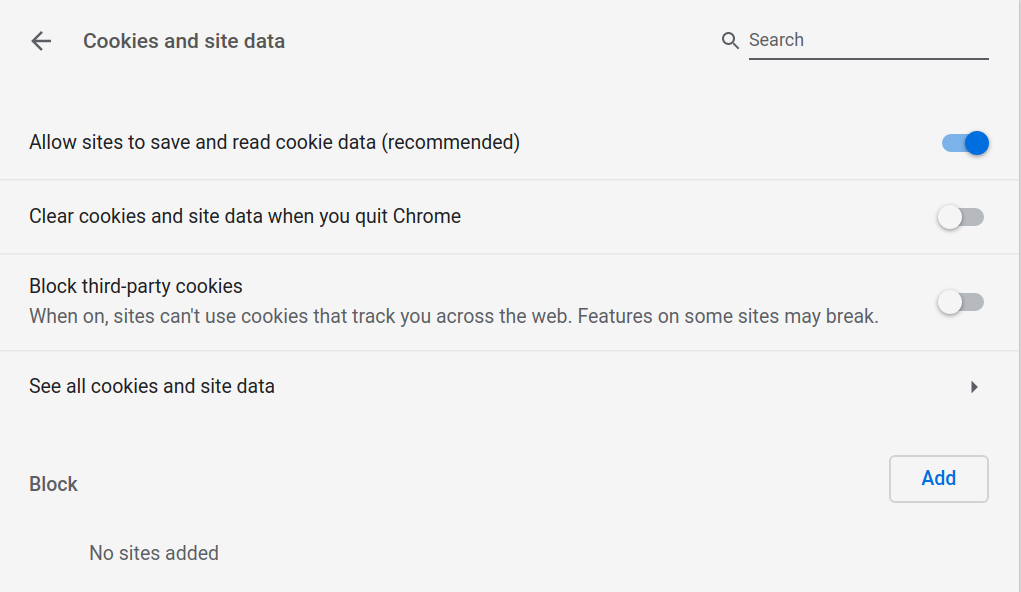
- In a new tab, go to chrome://settings/content/cookies.
- Disable the Block third-party cookies setting.
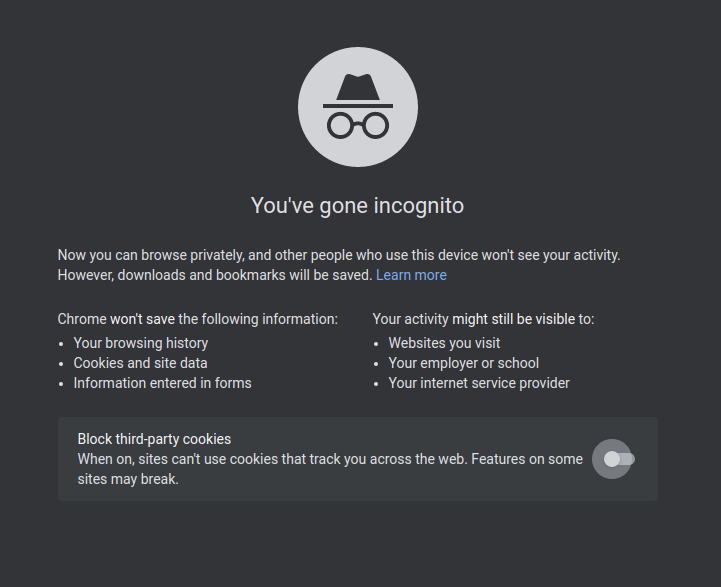
- In recent versions of Google Chrome, you need to change another setting if you are using incognito mode. Open a new tab and disable the Block third-party cookies setting.
- Refresh the application page.